★★★★★
Super convenient, especially when traveling! I have loyalty cards from stores, cafes, and pharmacies in different countries. KeepCard is a lifesaver — now I keep everything in one place without a bulky plastic wallet.
Stop digging through your wallet at the checkout. KeepCard stores every loyalty, membership and store card on your iPhone — and gets them out in seconds, every time.
 Scan with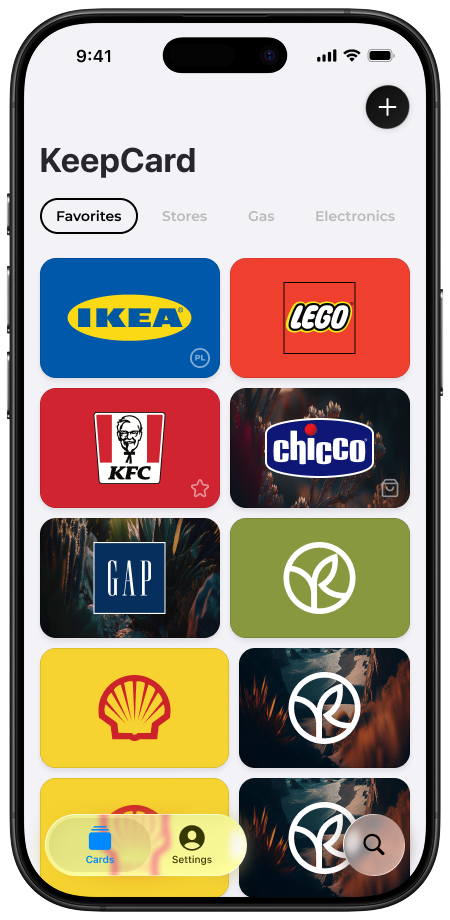
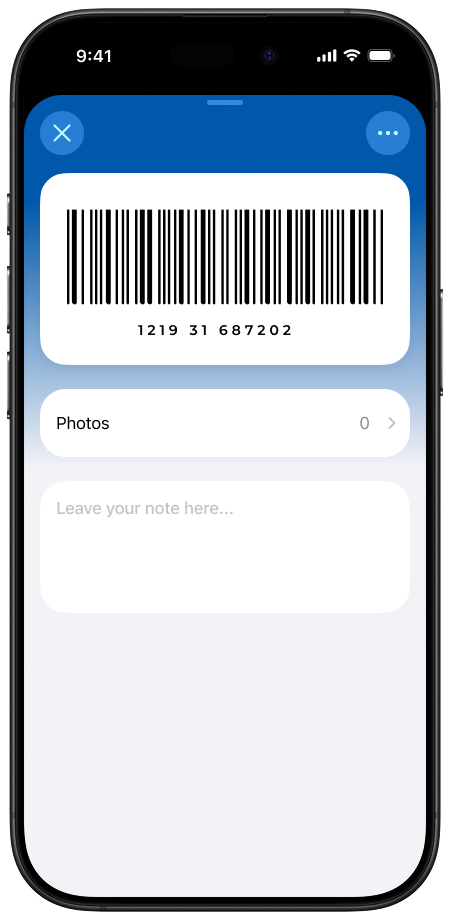
Three steps and you're never digging through plastic cards again.
Tap the + button and scan the barcode on any loyalty, membership, or store card. Saved in seconds — or import your whole Stocard collection at once.
KeepCard sorts your cards into folders so the one you need is always easy to find — even with dozens saved.
Fast Checkout Mode puts a giant, scannable barcode on screen instantly — no fumbling while the cashier waits.
Simple enough for daily use. Powerful enough for people who take their rewards seriously.
Open your card in seconds at checkout. Bigger barcode, brighter screen — ready before the cashier even asks.
No Wi-Fi, no mobile data — no problem. Every card is always available, even underground or in areas with no signal.
Add loyalty cards in seconds by scanning any barcode or QR code. If it has a code, KeepCard can store it.
Group your cards by type, store, or country. Keep everything neat and find what you need in an instant.
Add your most-used cards to Apple Wallet for instant access right from your lock screen or Apple Watch.
Stocard shutting down in your region? Import your entire collection in one batch — no manual re-entry. Switching from Stocard →
Pin your most-used cards to your home screen for instant access without even opening the app.
A sleek, eye-friendly dark theme that looks great in any lighting — especially at the checkout counter.
Create custom cards from scratch and personalize the app icon to match your style.
A quick look at what makes KeepCard different from a plain photo album of cards.
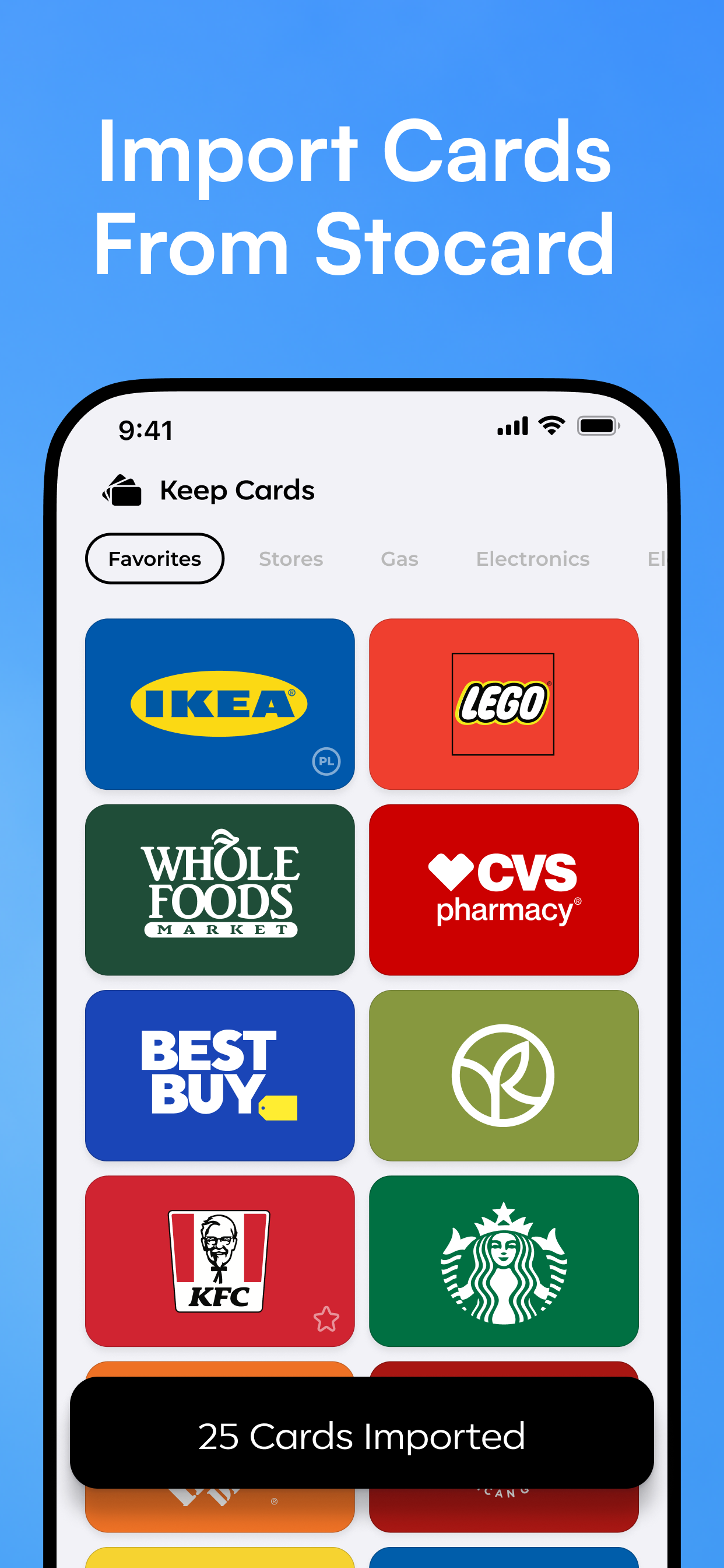
Every loyalty card in one tidy home screen.
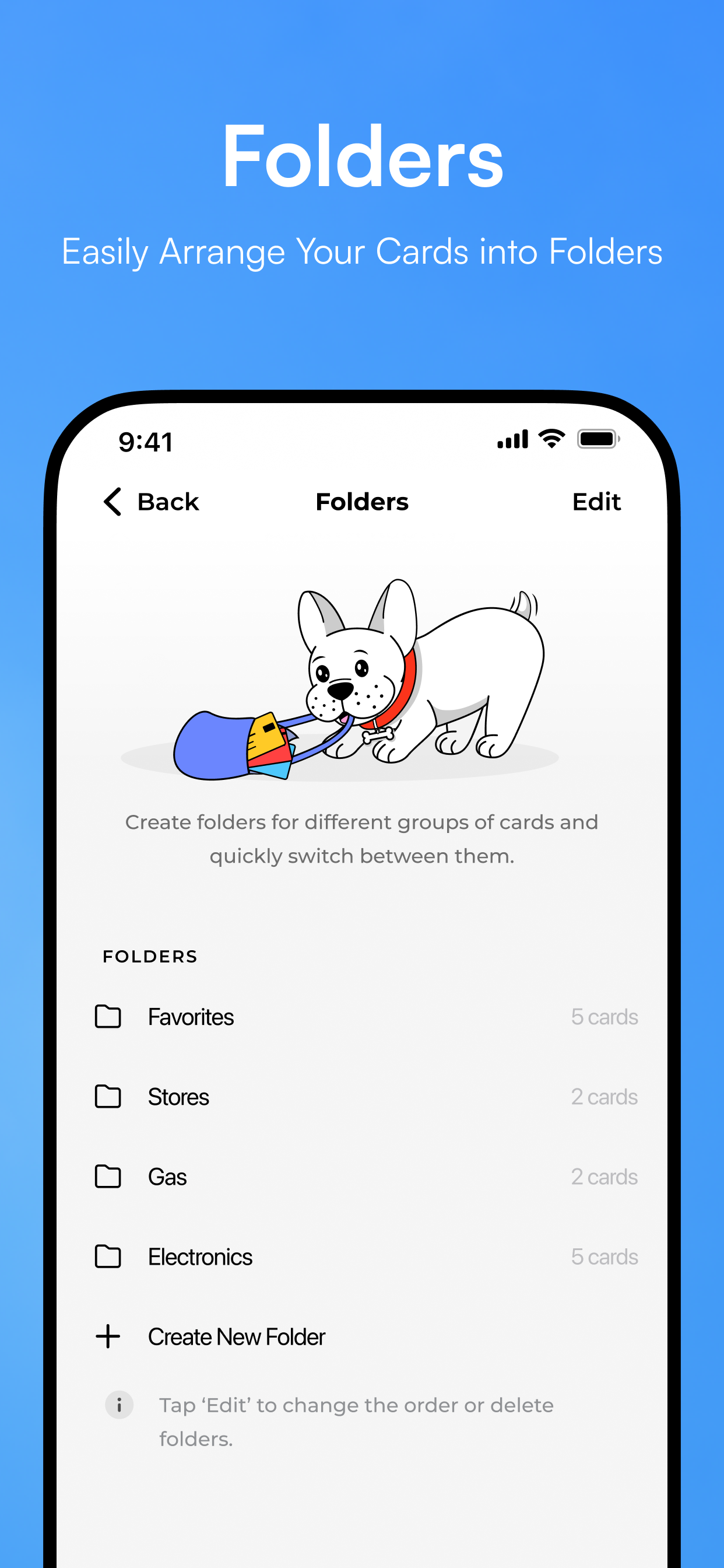
Group cards by store, category, or however you shop.
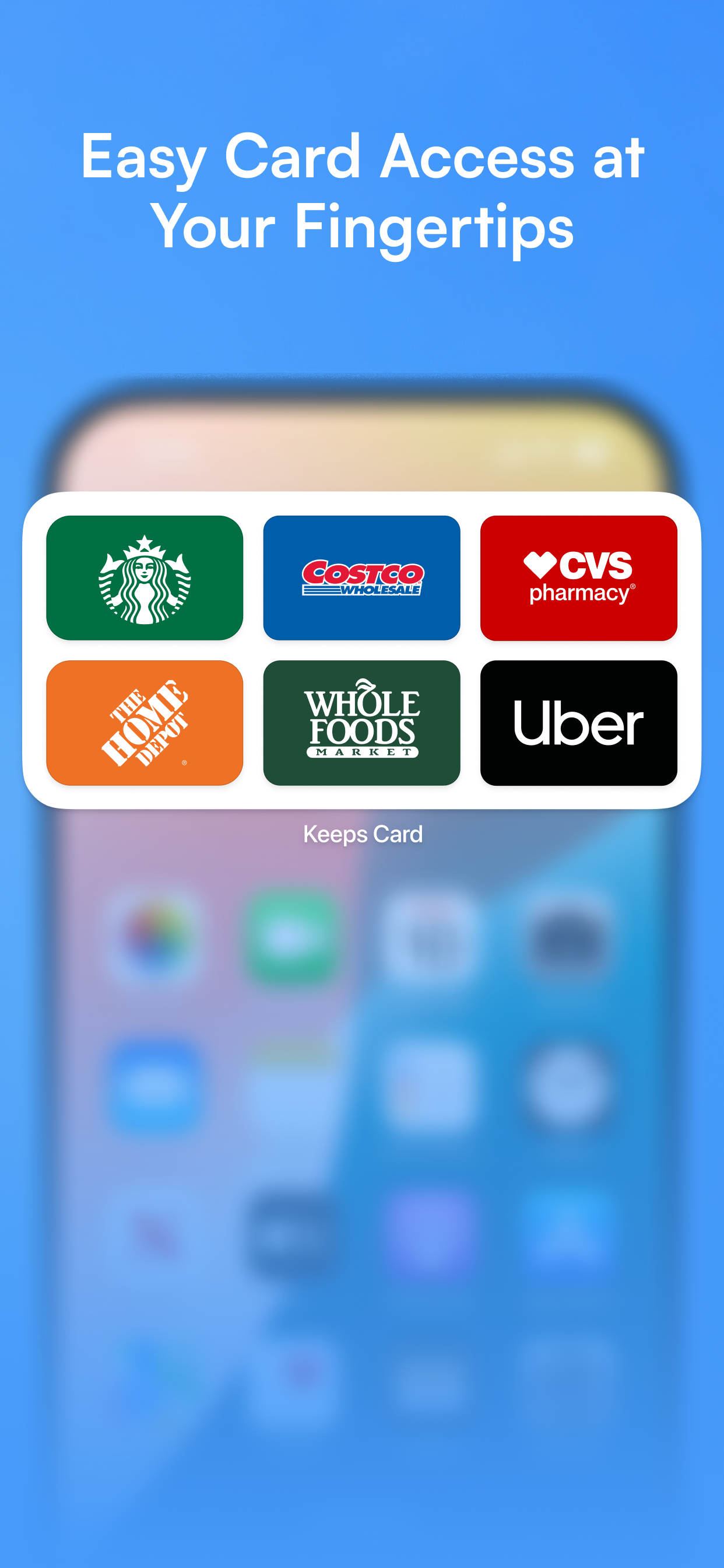
Pin favorite cards for one-tap access without opening the app.
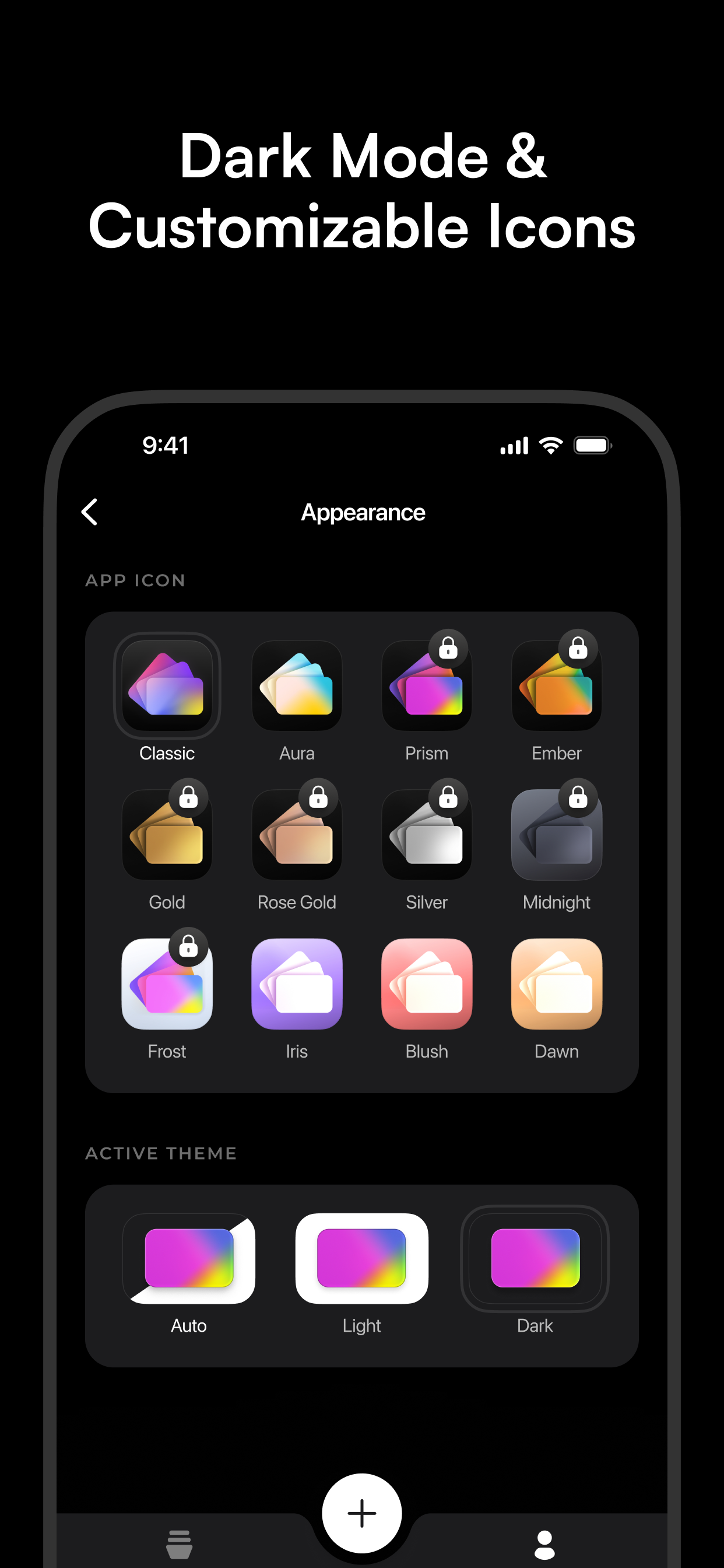
Easy on the eyes, day or night.
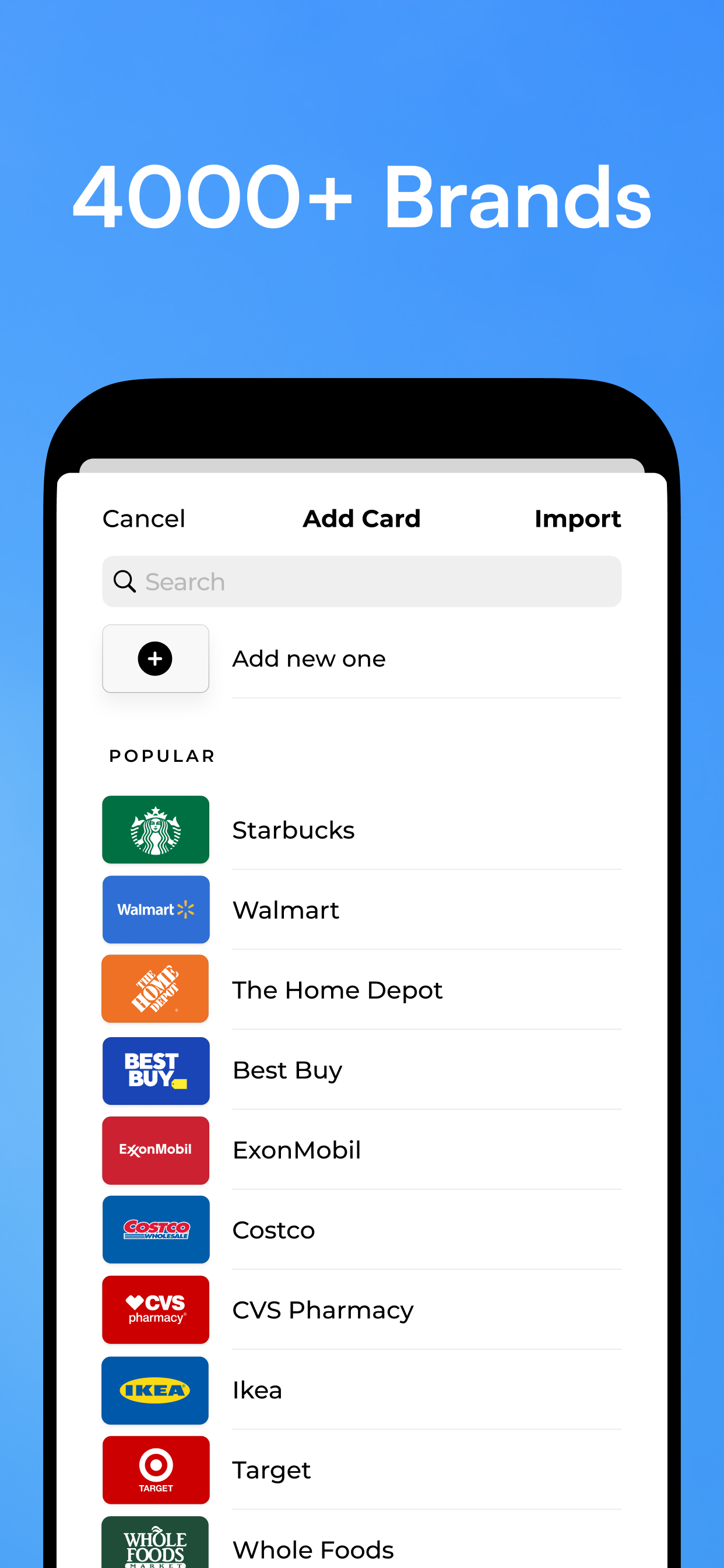
From supermarkets to coffee shops, recognized instantly.
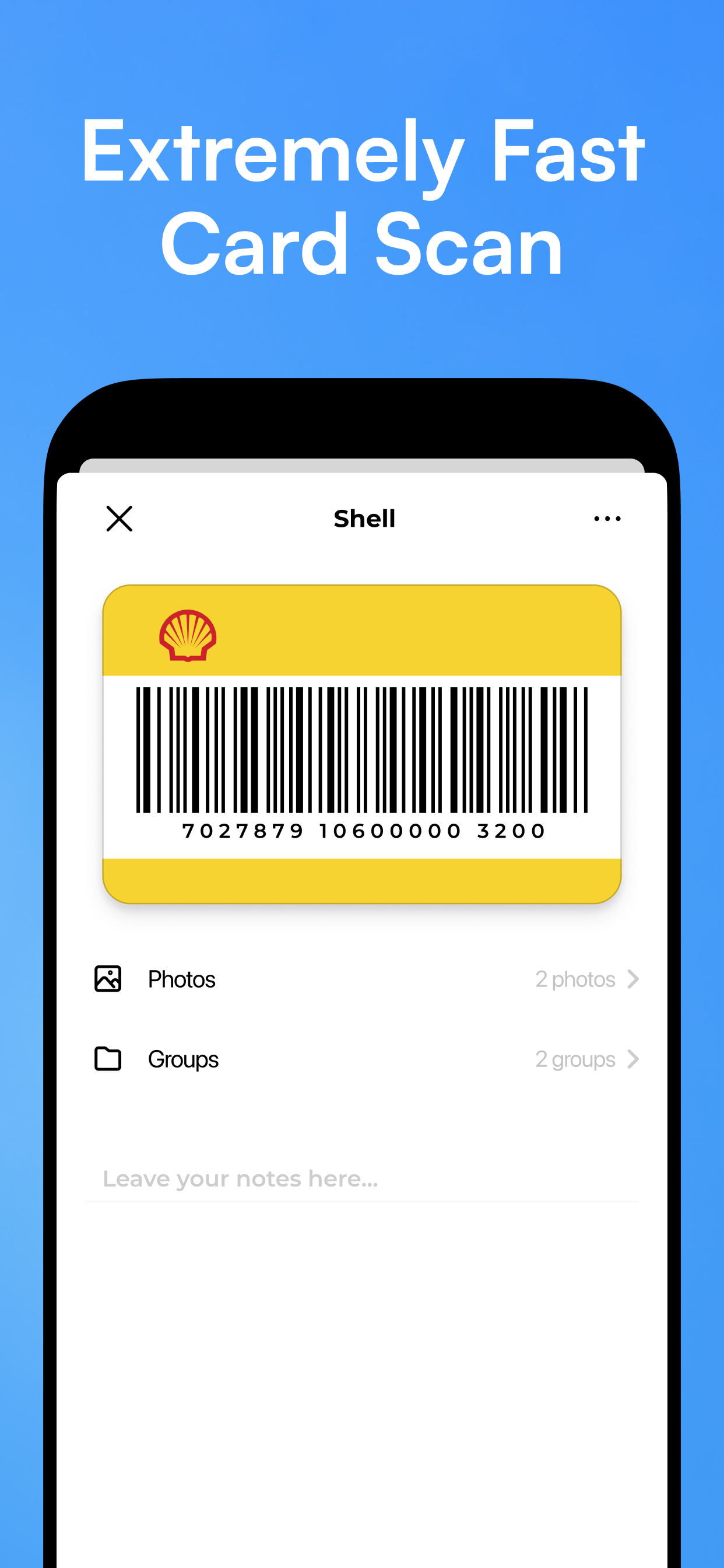
A giant barcode, ready before the cashier asks.
No more fumbling through apps when the queue is growing. Fast Checkout Mode is purpose-built for the moment that matters most.
From your local supermarket to international airline lounges — if it has a barcode, KeepCard stores it.
Supermarket & Grocery
Coffee Shop Rewards
Gym Memberships
Travel & Airline
Pharmacy Rewards
Fashion & Clothing
Library Cards
Cinema & Entertainment
Petrol Station
Hotel & Hospitality
A wallet full of plastic cards is easy to lose, easy to forget, and impossible to search through at the register. KeepCard fixes all three.
Super convenient, especially when traveling! I have loyalty cards from stores, cafes, and pharmacies in different countries. KeepCard is a lifesaver — now I keep everything in one place without a bulky plastic wallet.
Finally cleared all the plastic from my wallet. I had at least 20 loyalty cards. With KeepCard, everything is right here in my phone. Fast Checkout Mode is brilliant — no more rummaging at the till.
The import from Stocard worked perfectly — two minutes to move everything over. Clean design, works offline, widgets are a great touch. Exactly what a loyalty card app should be.
Thousands of Stocard users have already moved to KeepCard. Import your entire card collection in under two minutes — no re-scanning, no manual entry. Everything transfers automatically.
See how to switch →KeepCard supports loyalty cards from the US, UK, Canada, Germany, France, Italy, Spain, Poland, Czech Republic, Brazil, Portugal, Turkey, Australia, Ukraine, and beyond.
Scan the QR code or grab it from the App Store — set up your first card in under a minute. No credit card, no commitment.
Scan to download
A digital loyalty card wallet is an app that stores all your physical loyalty and membership cards on your phone. Instead of carrying plastic cards, you scan the barcode from your screen at checkout. KeepCard is a dedicated digital loyalty card wallet for iPhone.
Yes. KeepCard offers everything Stocard had — barcode scanning, card organization, offline access, and Fast Checkout Mode — plus Apple Wallet integration and home screen widgets. You can import your entire Stocard collection in minutes. See the full comparison →
Completely. Every card is stored locally on your iPhone. KeepCard works in airplane mode, underground, and anywhere with no signal — exactly when you need it most.
Download KeepCard, tap the + button, and scan the barcode on your physical card. It's saved in seconds. You can also add cards to Apple Wallet for lock-screen access, or pin them as home screen widgets.