Fast Checkout Mode
The queue is moving. The cashier is waiting. Fast Checkout Mode was designed precisely for that moment. One tap gets your card open — displayed large, bright, and scanner-ready.
No navigating through menus. No unlocking and re-searching. Just the barcode, bigger and brighter than ever.
- Opens your card with minimal taps
- Larger barcode display for easier scanning
- Screen brightness automatically maximized
- Works for barcodes and QR codes alike
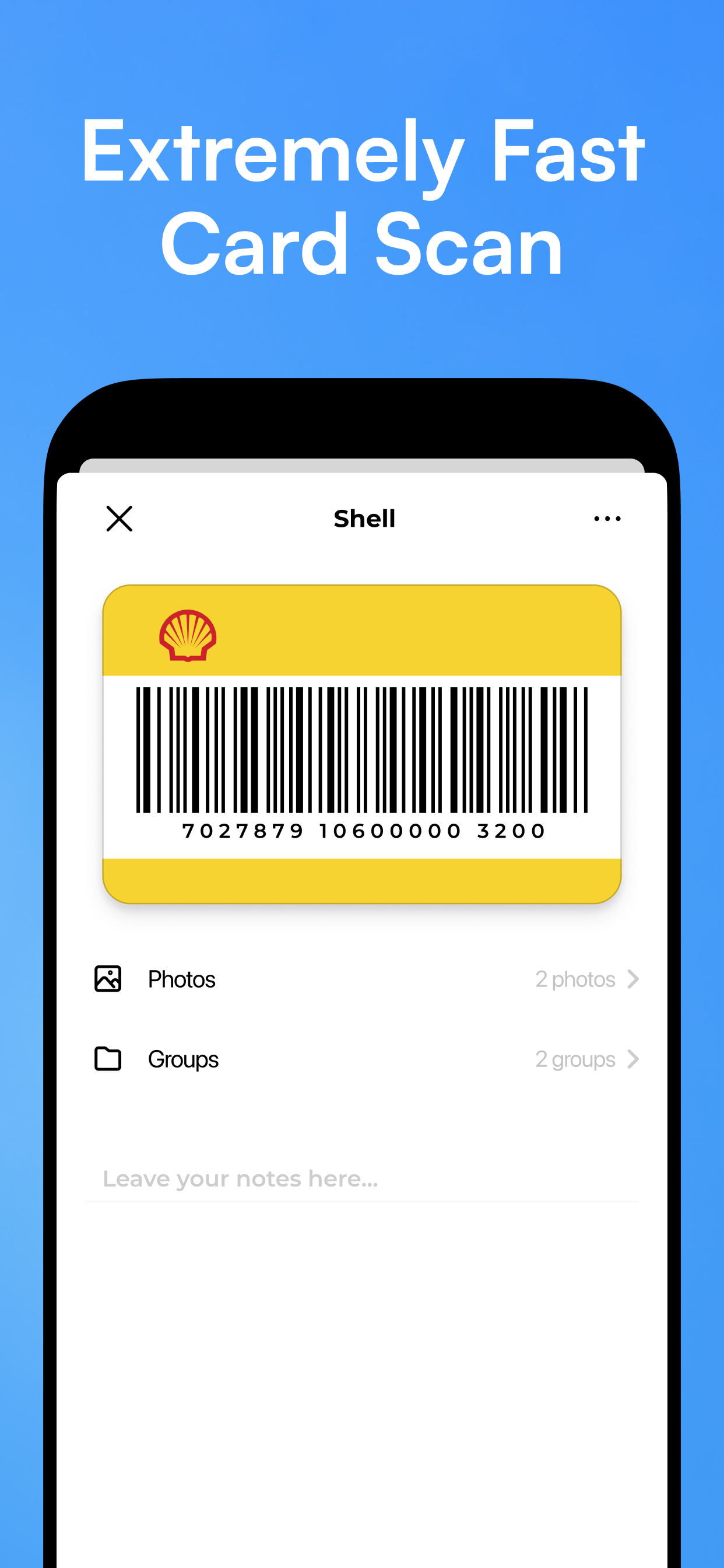
Scan Any Barcode or QR Code
Adding a new loyalty card takes seconds. Open the scanner, point it at the barcode or QR code on your card, and it's saved. That's it.
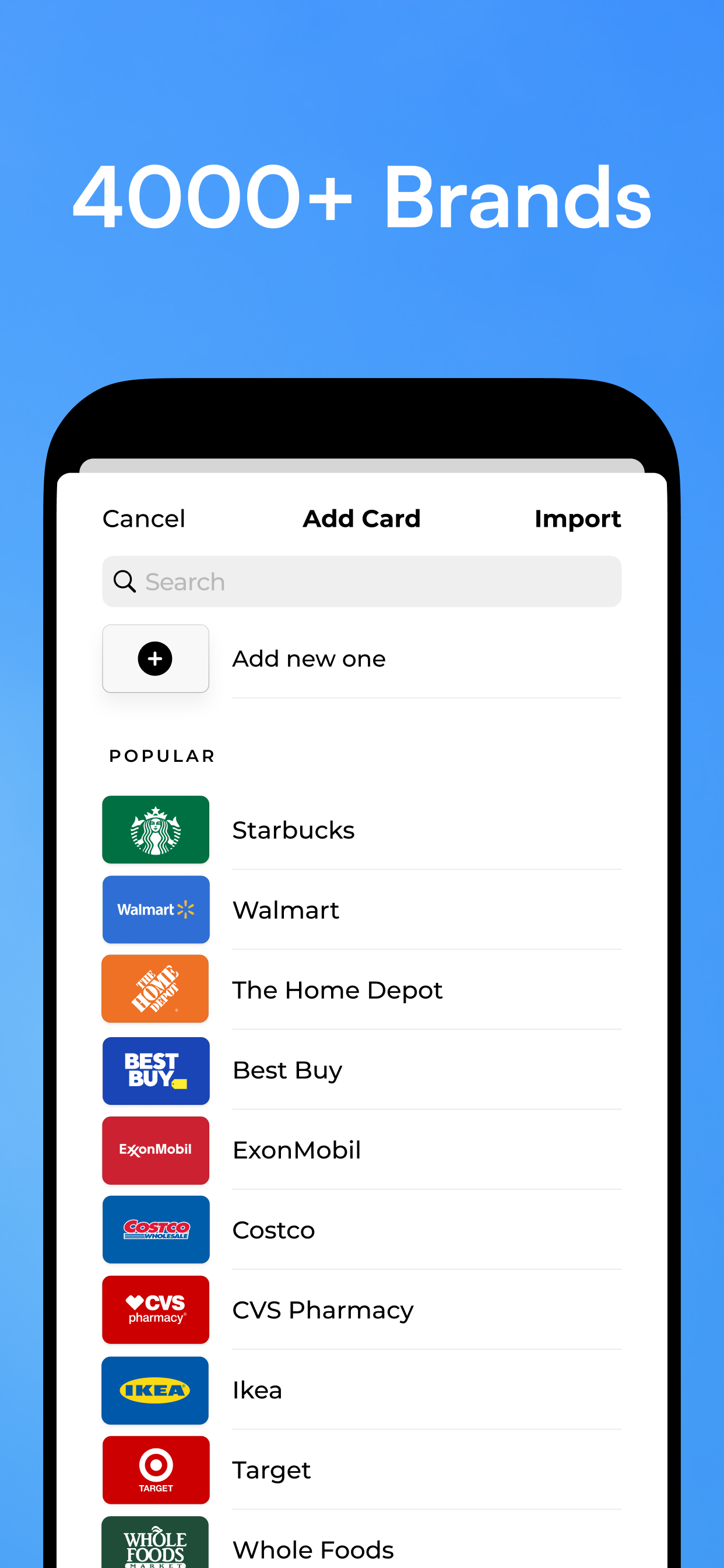
KeepCard supports all common barcode formats — 1D barcodes, 2D QR codes, and everything in between. If your card has a scannable code, KeepCard can store it.
- Supports all standard barcode formats (EAN, UPC, QR, Code 128, and more)
- Fast, accurate scanning — works in low light
- Manually enter numbers if scanning isn't possible
- Add card logos and names for easy identification
Works Completely Offline
KeepCard stores everything locally on your device. Your cards are available 100% of the time — underground, abroad, in areas with poor signal, or with your phone on airplane mode.
No account required. No server dependency. Your cards are yours, always.
- No internet needed — ever
- Cards stored securely on your device
- No login or account required to use the app
- Perfect for travel, commutes, and dead zones
Cards available offline
Folders & Organization
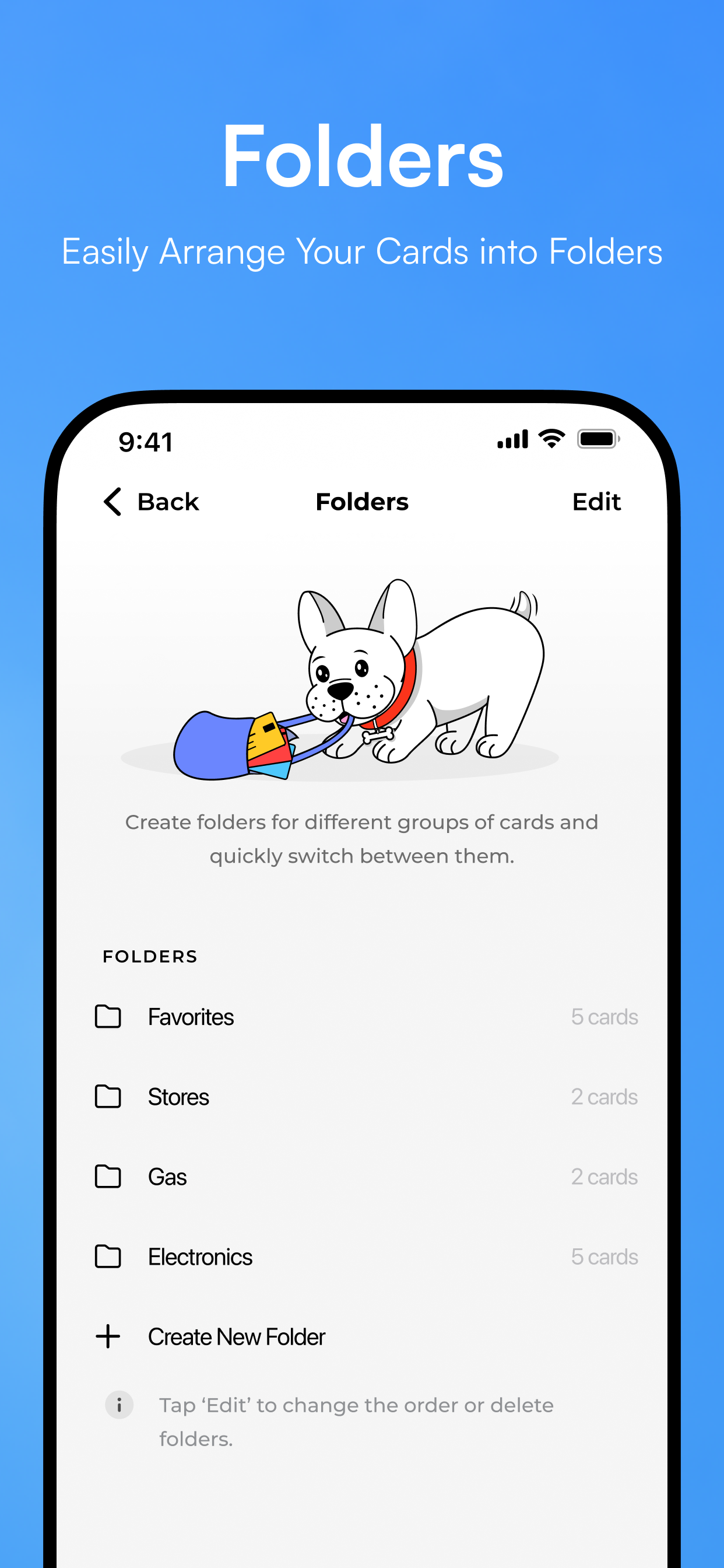
When you have dozens of loyalty cards, finding the right one at checkout shouldn't require a search party. KeepCard's folder system lets you organize your cards exactly the way your brain works.
- Create unlimited folders (with KeepCard Plus)
- Name folders anything — by store, category, or country
- Reorder cards and folders by drag-and-drop
- Search across all your cards instantly
Apple Wallet Integration
Add your most-used loyalty cards to Apple Wallet and access them directly from your iPhone lock screen or Apple Watch — no need to open KeepCard at all.
Perfect for the cards you use every single day: your coffee shop, your gym, your regular supermarket.
- Add any card to Apple Wallet in one tap
- Access cards from the lock screen
- Works with Apple Watch
- Available with KeepCard Plus
Import from Stocard & Other Apps
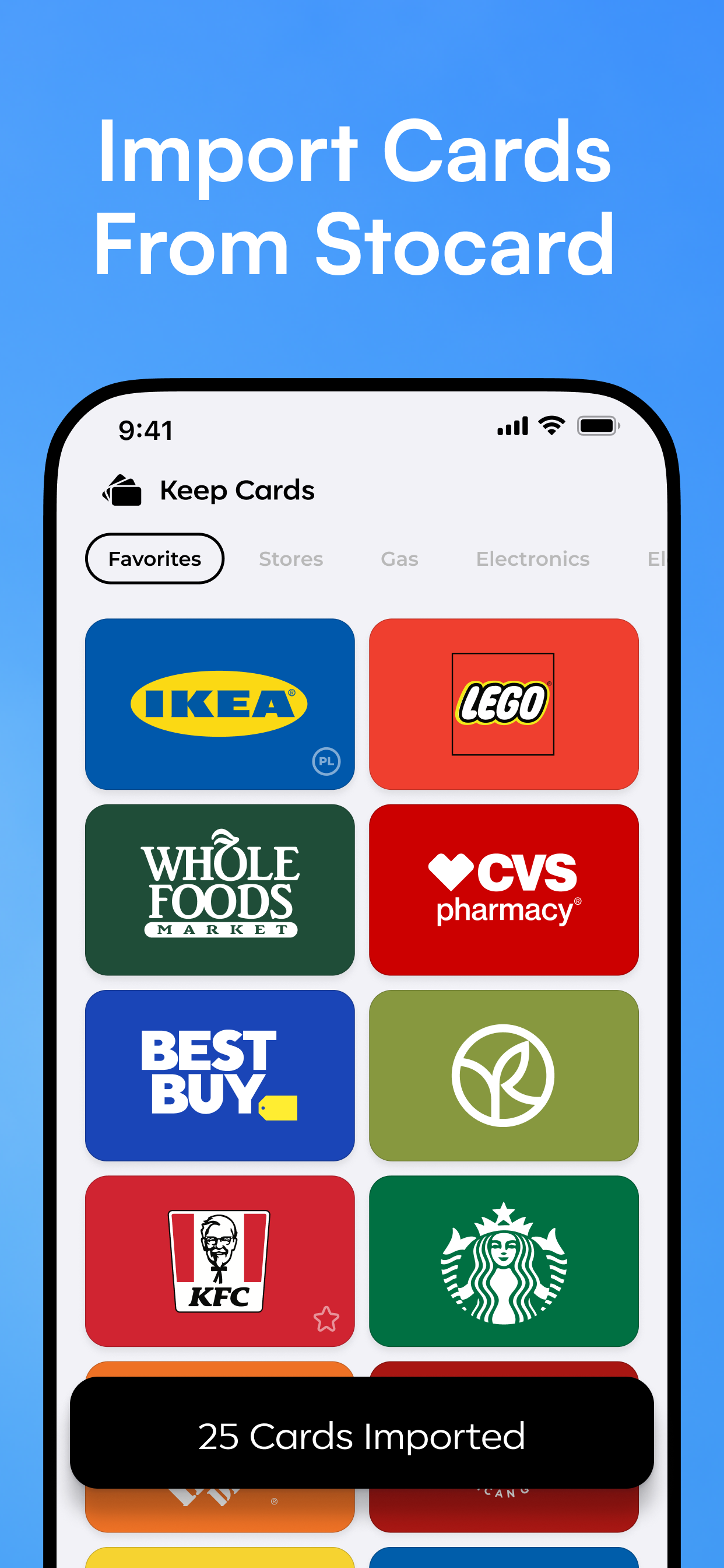
Already have a loyalty card collection in another app? Bringing it over to KeepCard is quick and painless. Batch import lets you migrate your entire library — no re-scanning required.
- Direct import from Stocard
- Batch import from other loyalty card apps
- All your cards come across with their names intact
- Takes minutes, not hours
Home Screen Widgets
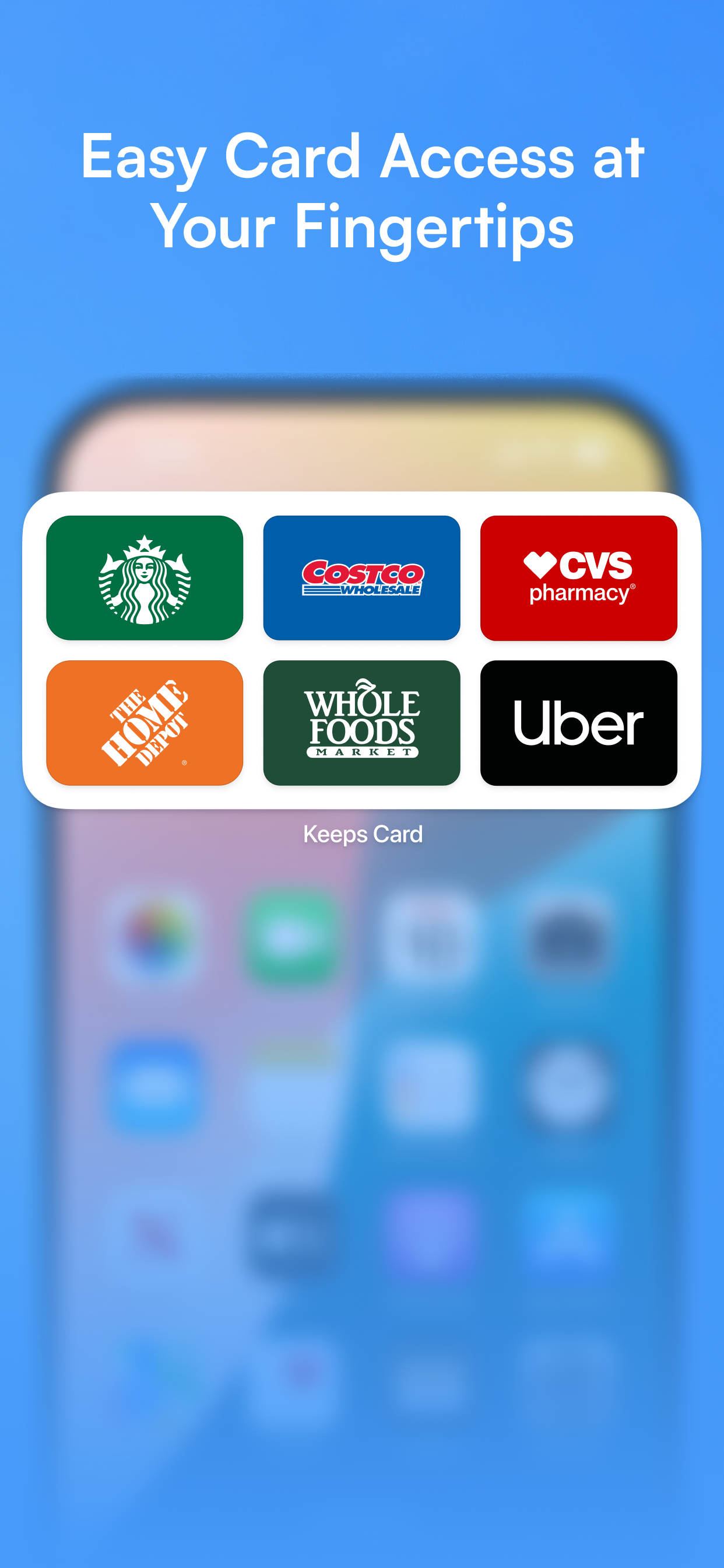
Put your most-used loyalty cards right on your home screen. A quick glance — or a single tap on the widget — and your card is right there, no app-opening needed.
- Pin any card directly to the home screen
- Multiple widget sizes to suit your layout
- Updates instantly when you open a card
- Works with iOS's customizable widget stack
Dark Mode & Customization
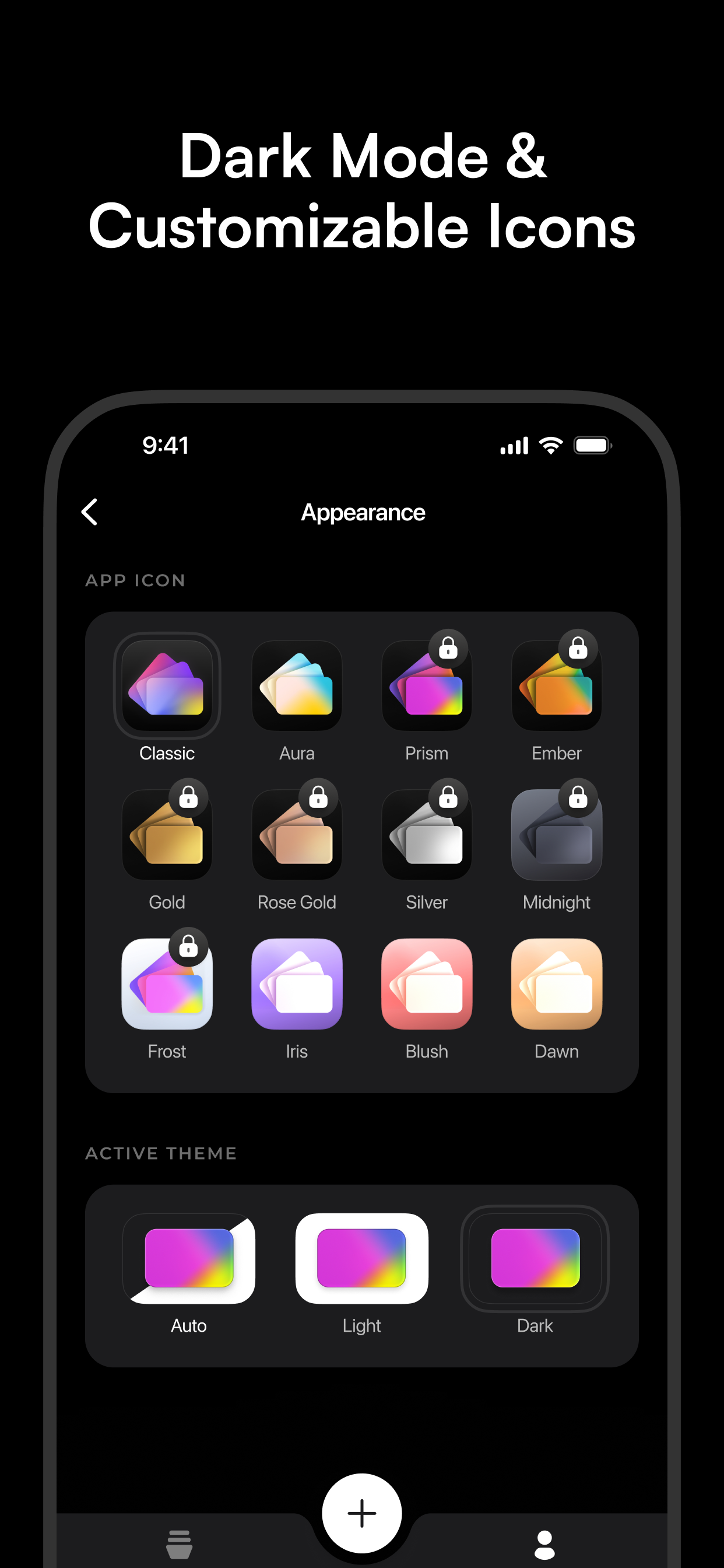
KeepCard adapts to your preferences. Switch to Dark Mode for a beautiful low-light experience, and personalize the app icon to match your home screen aesthetic.
- Full Dark Mode support across the entire app
- Follows your iPhone's system setting automatically
- Multiple app icon options to choose from
- Clean, minimal design that gets out of your way
Share Cards with Family
Got a loyalty card that the whole household uses? Share it with family or friends so everyone can earn points and access the card without anyone having to carry the plastic original.
- Share any card with a single tap
- Recipients add it to their own KeepCard instantly
- Perfect for family supermarket loyalty cards
- Works via standard iOS share sheet
WhatsApp & more